For patients and their care teams

Close to your care team, every day of your cycle.

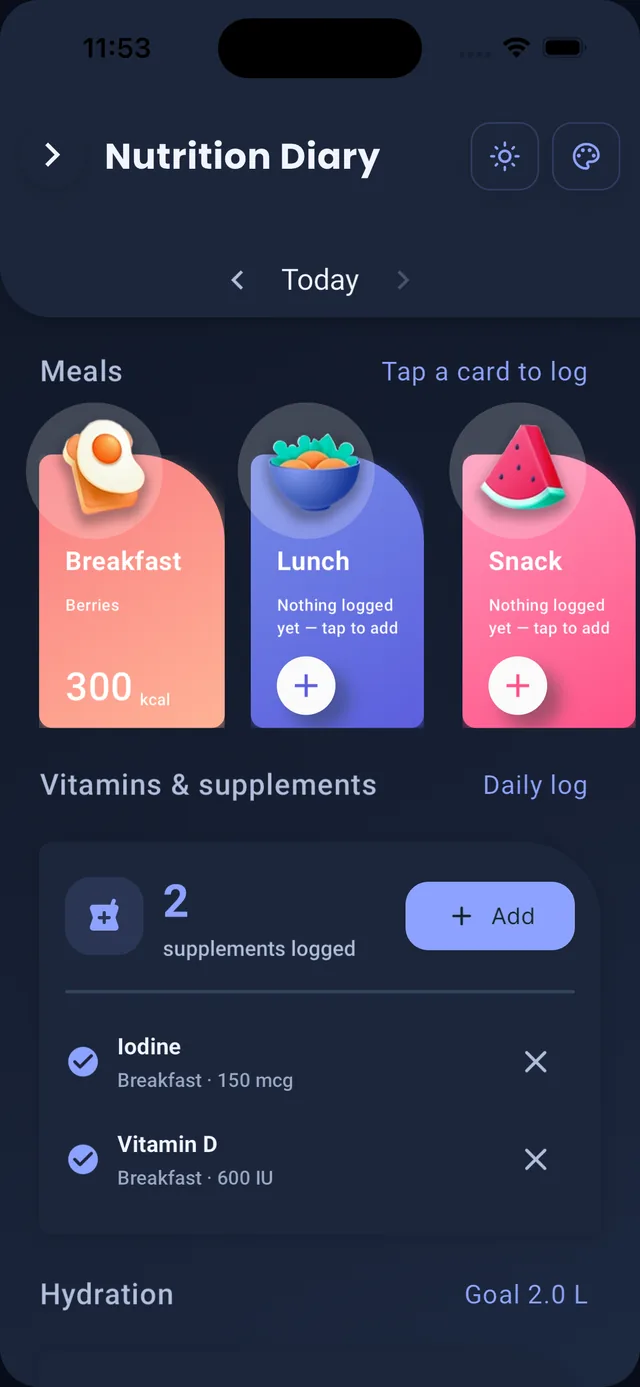
Much of an IVF cycle happens at home. The Cycle Care app keeps patients connected to their clinic between visits, with a reminder for every medicine, consent forms to sign and results to read. The care team follows along from its own dashboard.

Patient app available on Google Play and the App Store

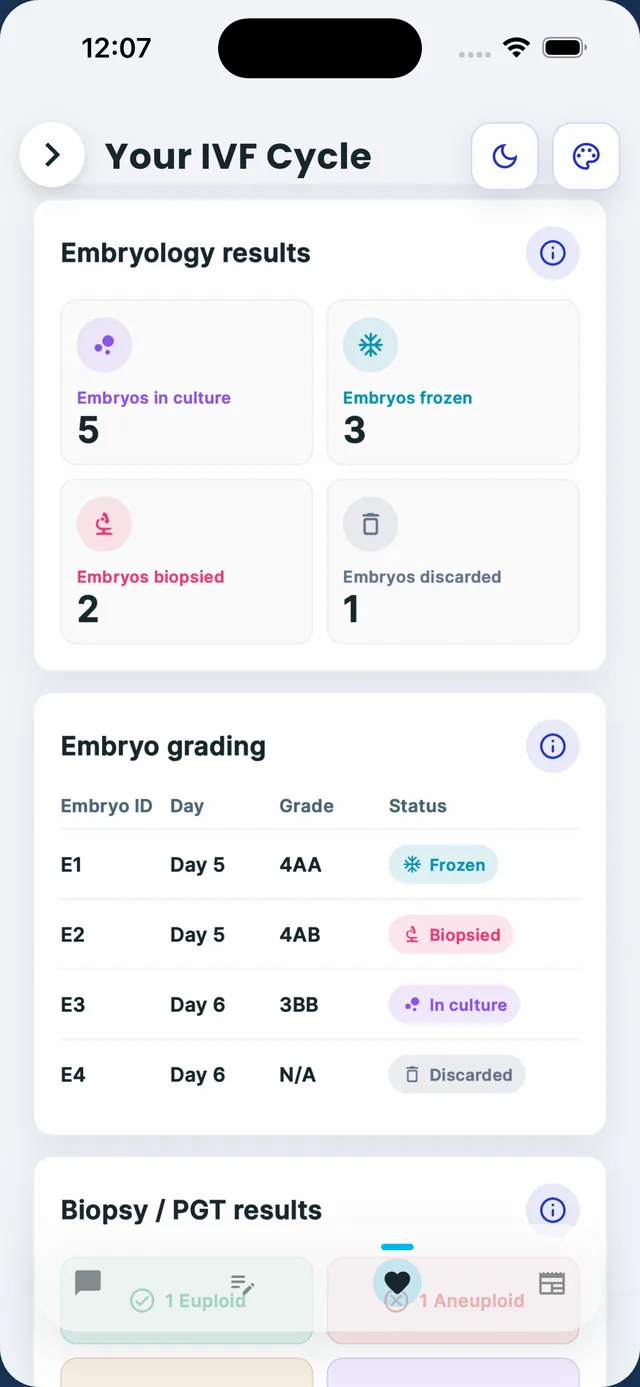
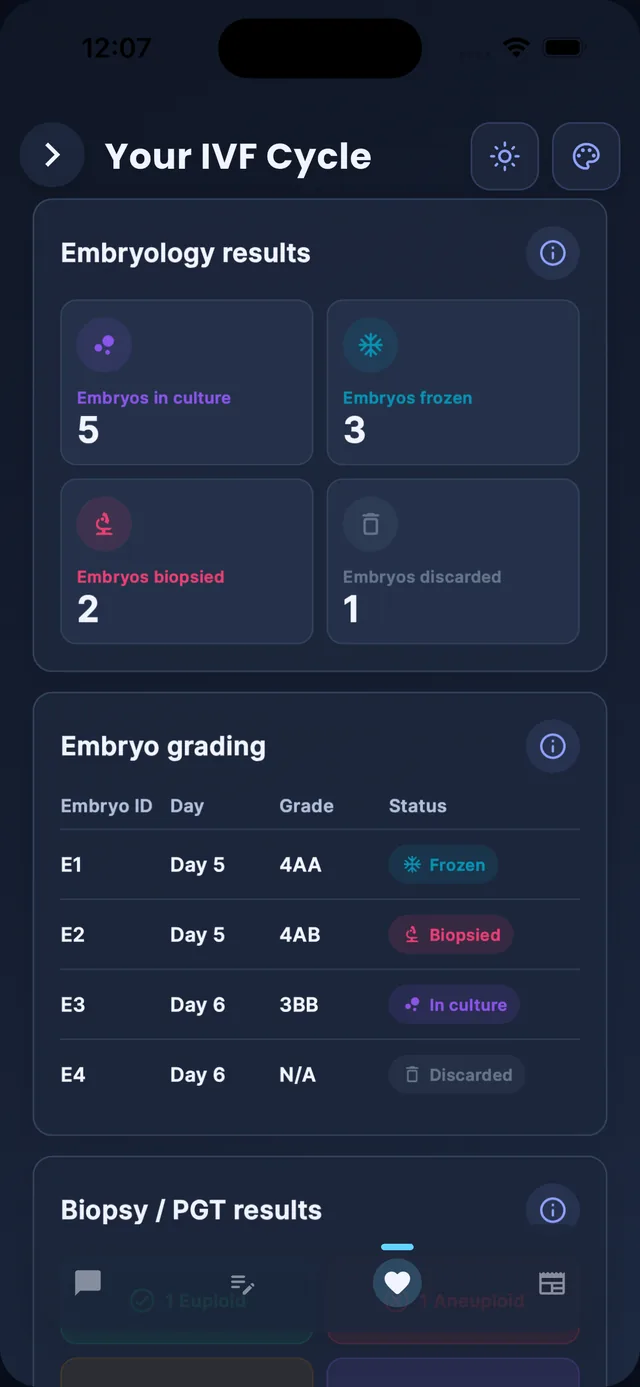
Cycle Care app: embryology results and embryo grading, shared by the clinic Cycle Care app: embryology results and embryo grading, shared by the clinic
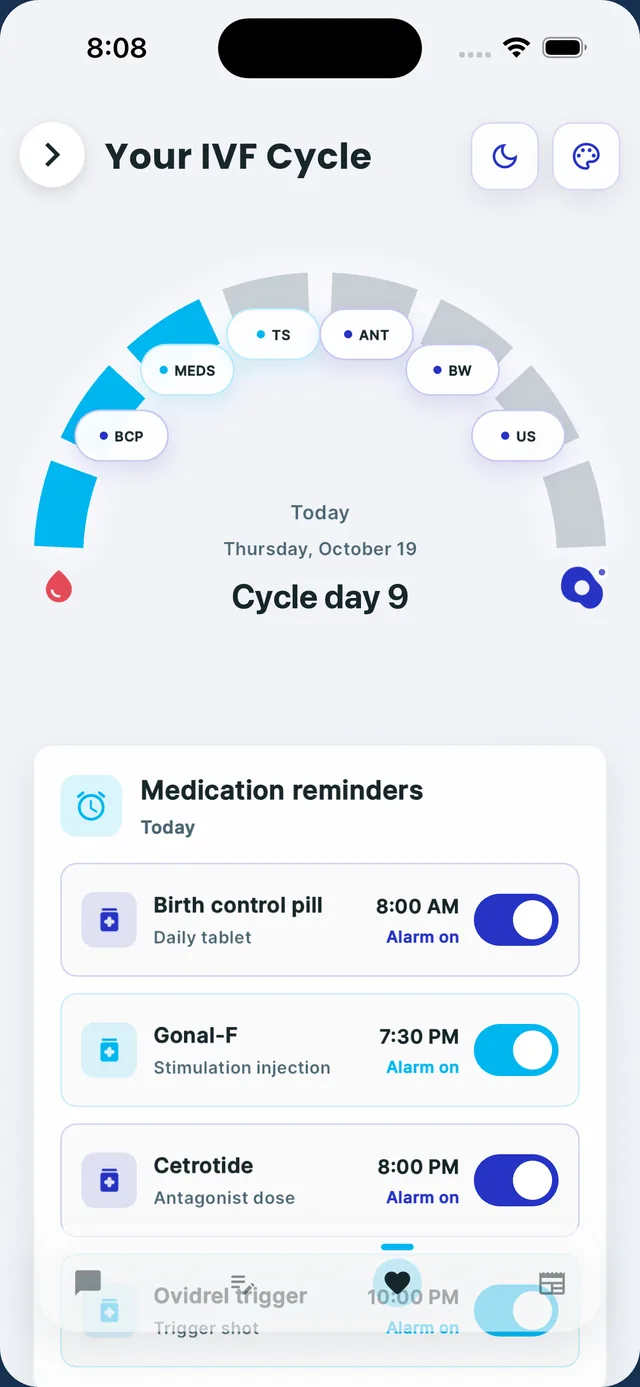
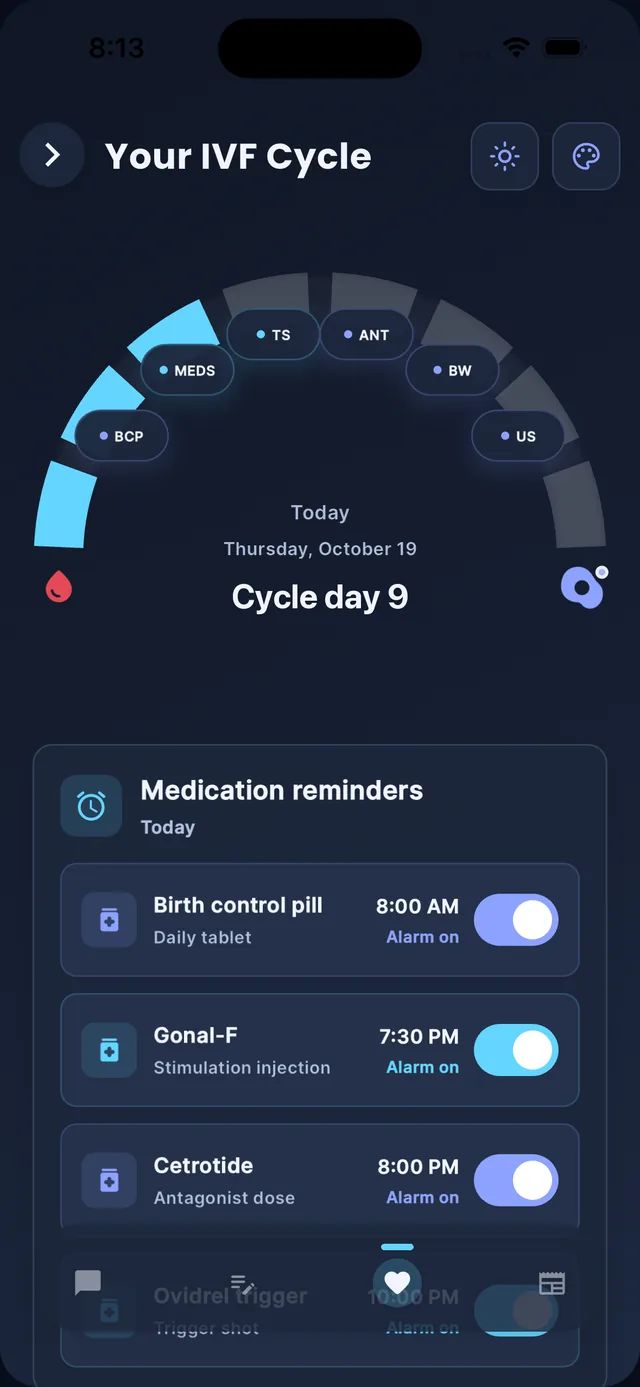
Cycle Care app: today's cycle day on the treatment timeline Cycle Care app: today's cycle day on the treatment timeline

Screens from the app, shown with sample data.

Getting started

Connected to the clinic in one scan.

Patients don't create an account or choose a password. Their clinic connects them.

  1. 01

    The clinic adds the patient

    The care team adds the patient in the clinic dashboard, which shows a QR code made just for them.

  2. 02

    The patient scans it

    One scan in the app connects the phone to that clinic. The code works once, then expires.

  3. 03

    Care arrives as it happens

    Medicines, forms, appointments and results appear in the app as the clinic adds them.

For patients

Made for the weeks between visits.

There's a lot to remember during treatment, and questions don't wait for the next appointment. The app keeps it all in one calm place.

01Medicines

A reminder for every dose

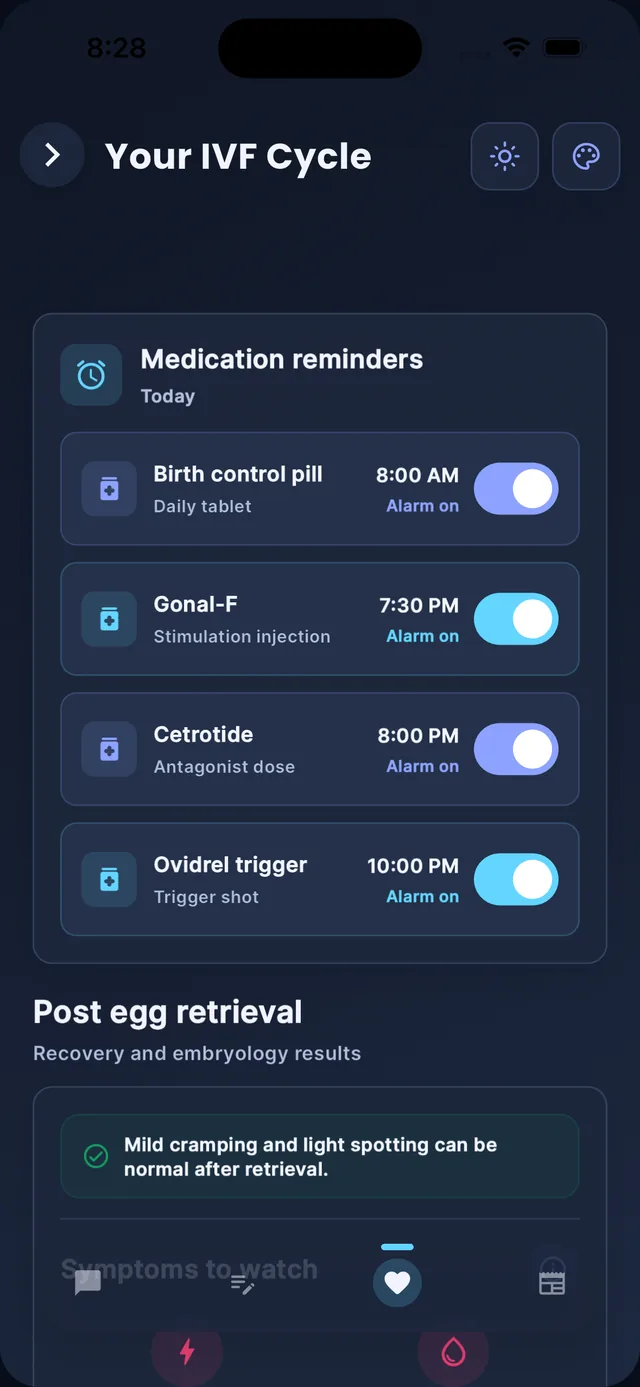
Every medicine the clinic prescribes appears in the app, and the phone sounds an alarm when a dose is due.

  • Birth control pills, injections and the trigger shot
  • An alarm at the time the clinic sets
  • What each medicine is for, in plain words
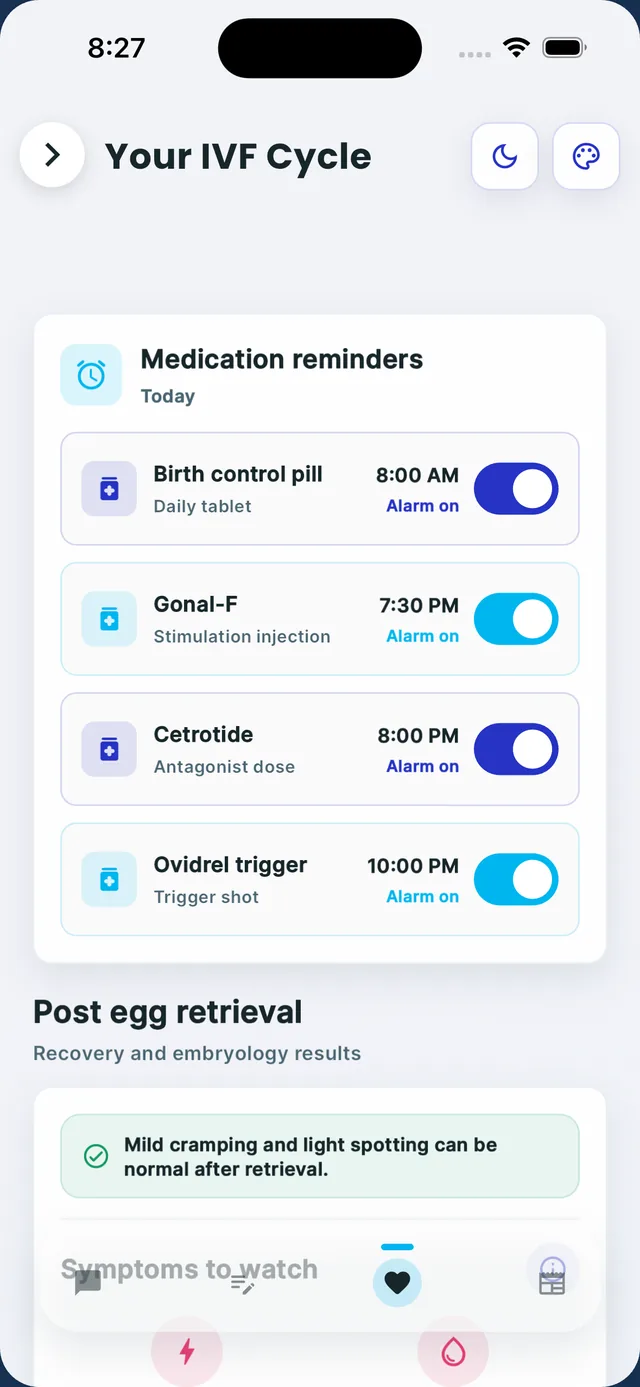
Cycle Care app: medication reminders for birth control, stimulation injections and the trigger shot Cycle Care app: medication reminders for birth control, stimulation injections and the trigger shot
02Consent forms

Signed at home, in their own time

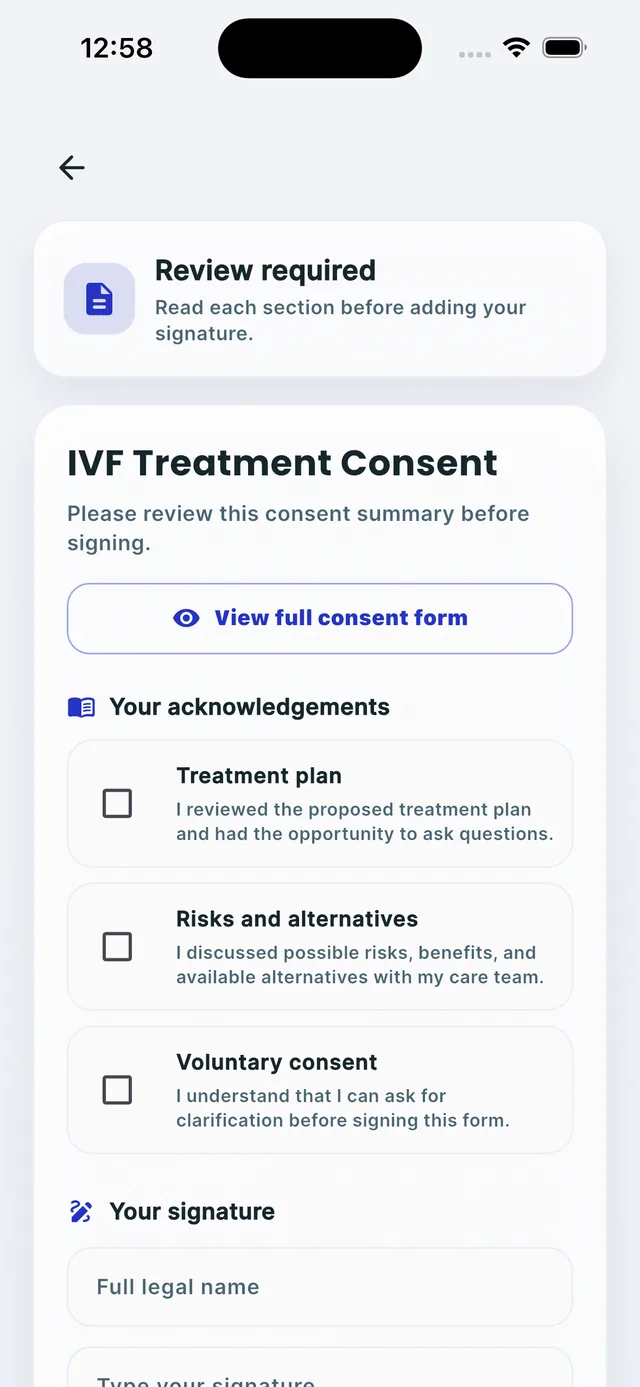
Patients read each section, tick what they've understood and sign on the screen. The signed form reaches the clinic straight away, with nothing to print or scan.

  • A short summary, with the full form one tap away
  • Every acknowledgement ticked before signing
  • The signed copy kept with the patient's profile
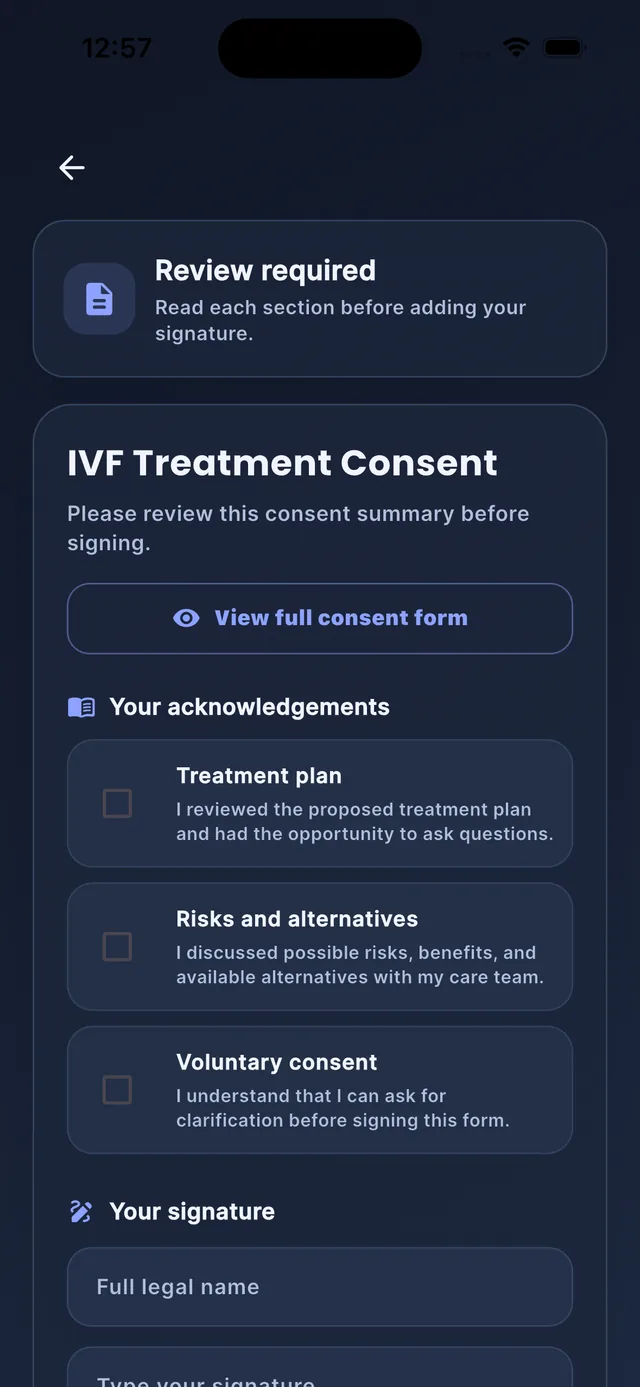
Cycle Care app: an IVF treatment consent form with acknowledgements to tick and a signature field Cycle Care app: an IVF treatment consent form with acknowledgements to tick and a signature field
03The cycle

Always know where things stand

The clinic moves each patient through the cycle as treatment goes on, from birth control pills and medications to the trigger shot and egg retrieval. When results are ready, the clinic shares them in the app.

  • Where they are today, at a glance
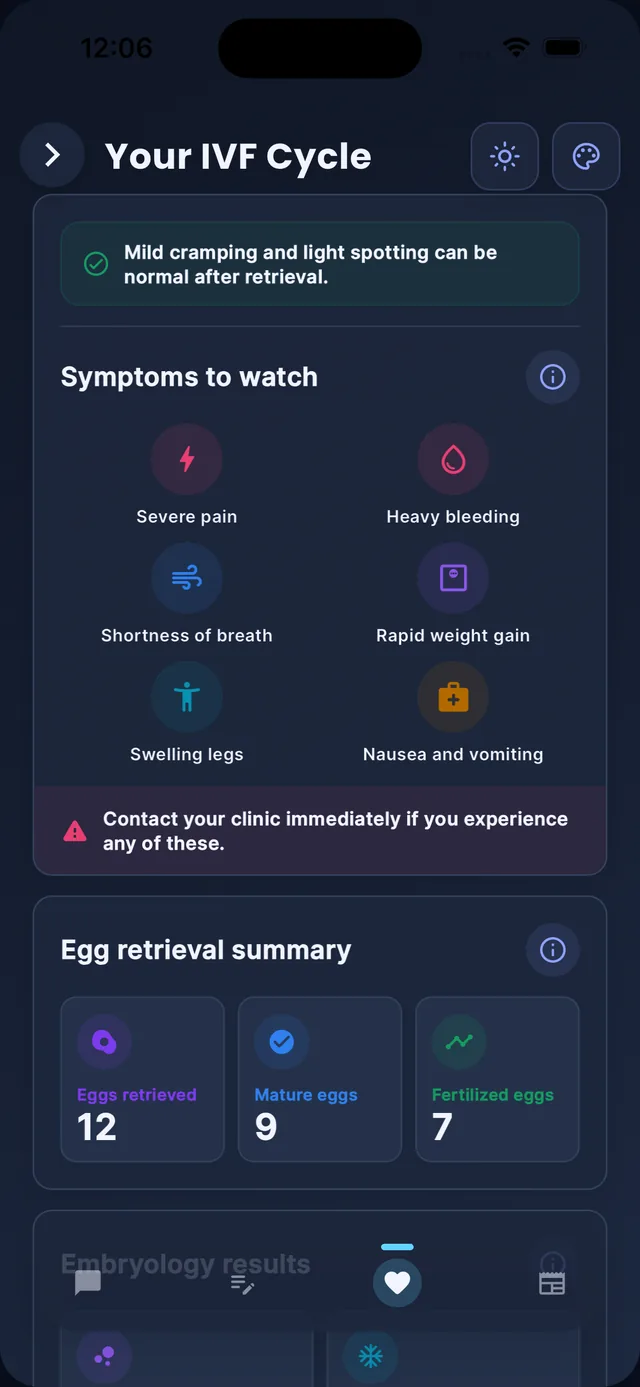
  • Retrieval, embryology, grading and PGT results
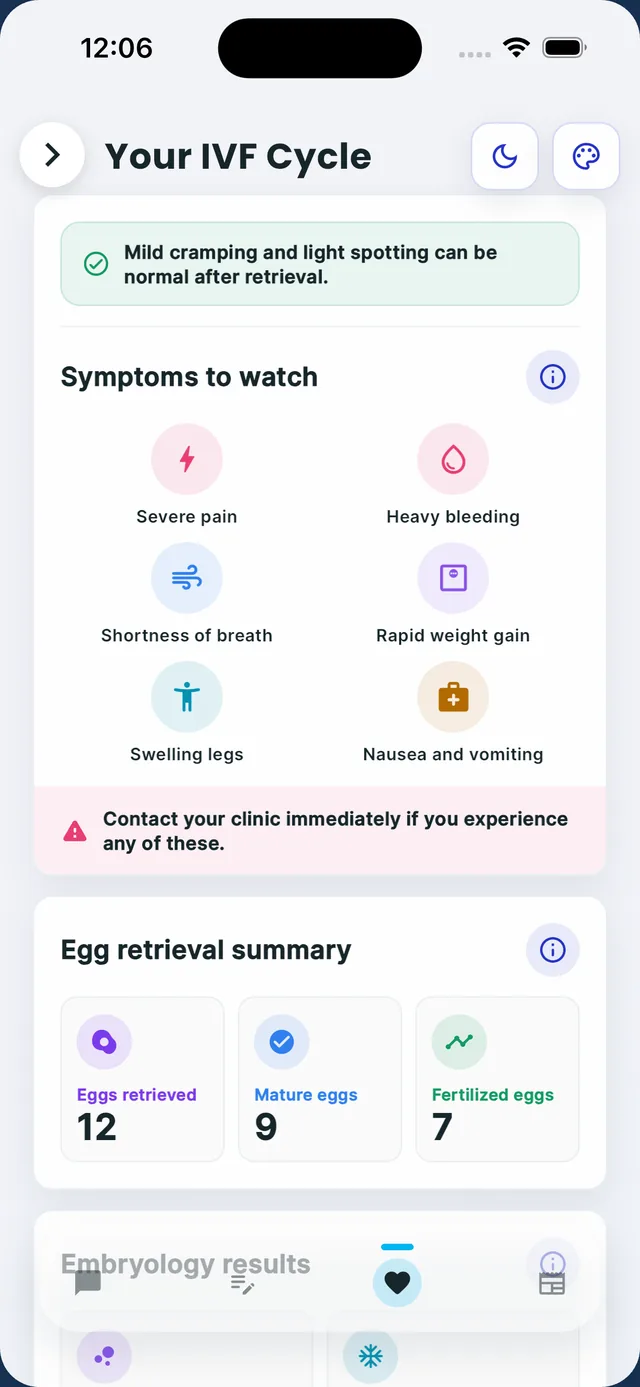
  • Symptoms to watch for, and when to call the clinic
Cycle Care app: symptoms to watch after egg retrieval, and the egg retrieval summary Cycle Care app: symptoms to watch after egg retrieval, and the egg retrieval summary

And the everyday parts of treatment

Small things that add up over a cycle, kept in one place for the patient and the care team.

Messages with the care team

Patients write to their clinic in the app and read the replies in one thread.

Appointments

Upcoming visits, with the date and time, in one list.

Reading from the clinic

Articles written by the clinic, matched to each stage of treatment.

A private journal

Notes, symptoms and pain, kept only on the phone and never sent to anyone.

For the care team

Follow every patient from one dashboard.

The clinic side of Cycle Care runs in a web browser. What patients send arrives there, and what the team adds appears on their phones.

Add patients with a QR code

Each code is made for one patient, tied to your clinic, and works only once.

Medicines and times

Set each patient's medicines and when to take them. The app reminds them when each dose is due.

Messages

Read and answer patient messages in one place.

Appointments

Book visits from the dashboard. They appear in the patient's app.

Results, when you're ready

Retrieval, embryology, grading and PGT results stay hidden until you switch each one on.

What patients send

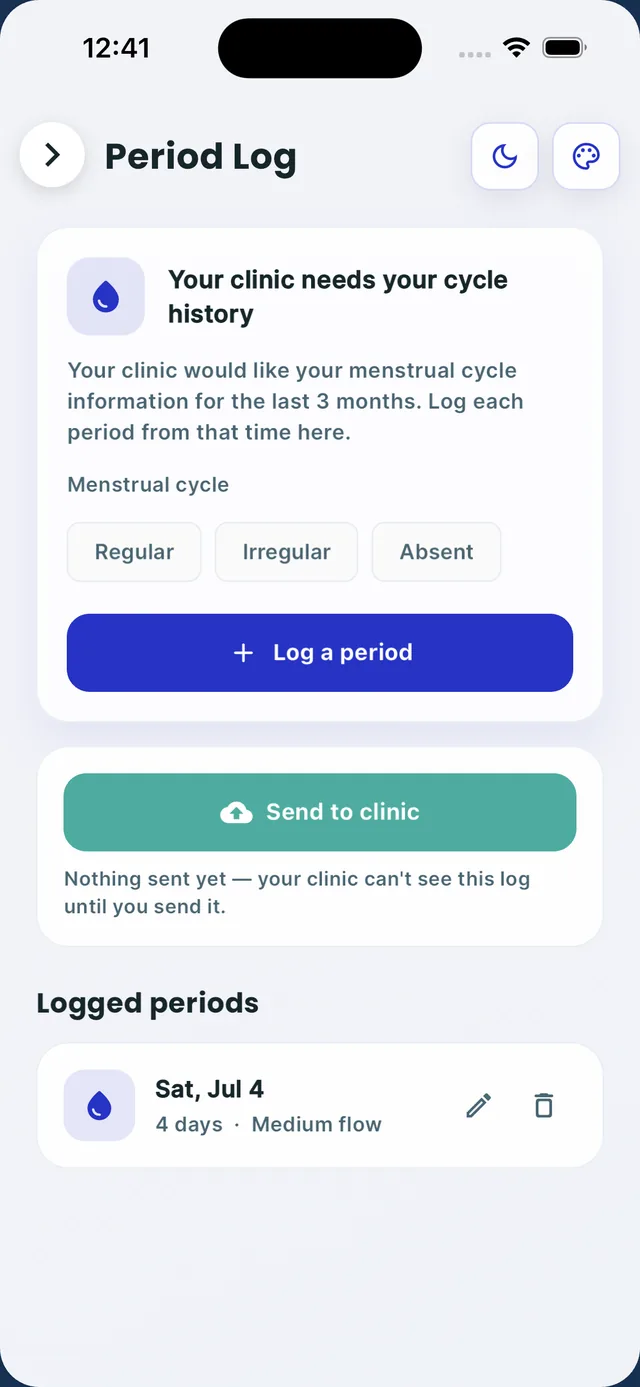
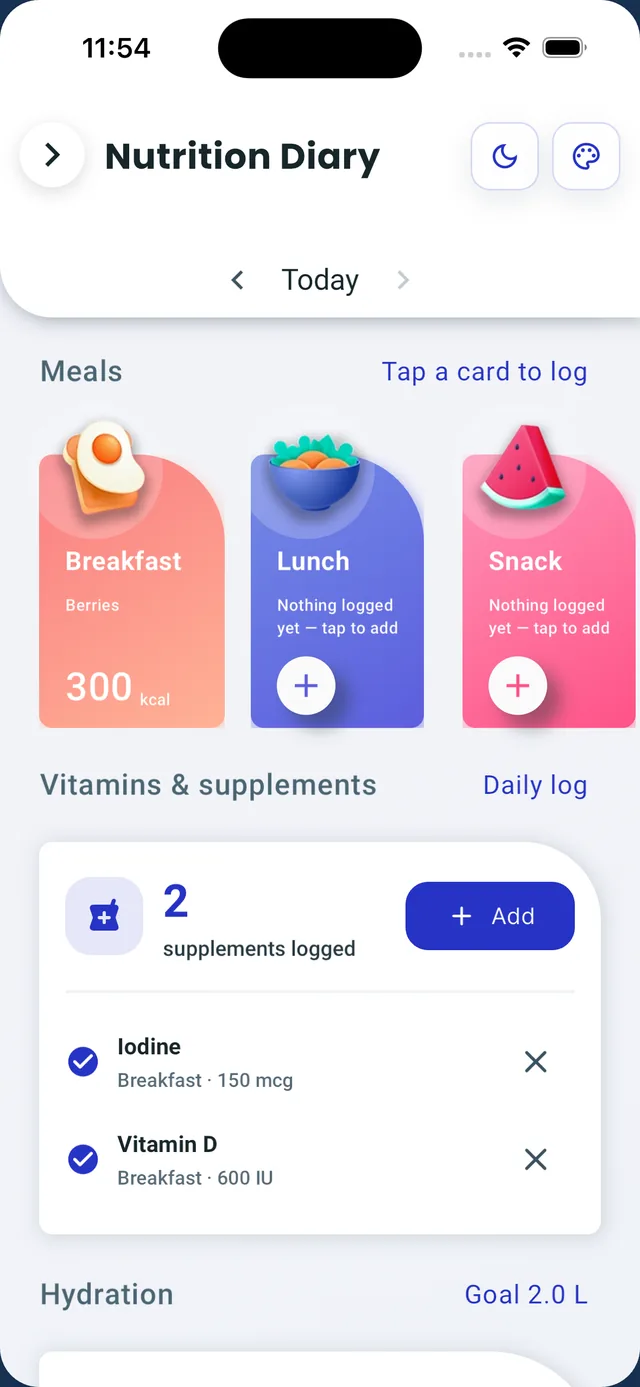
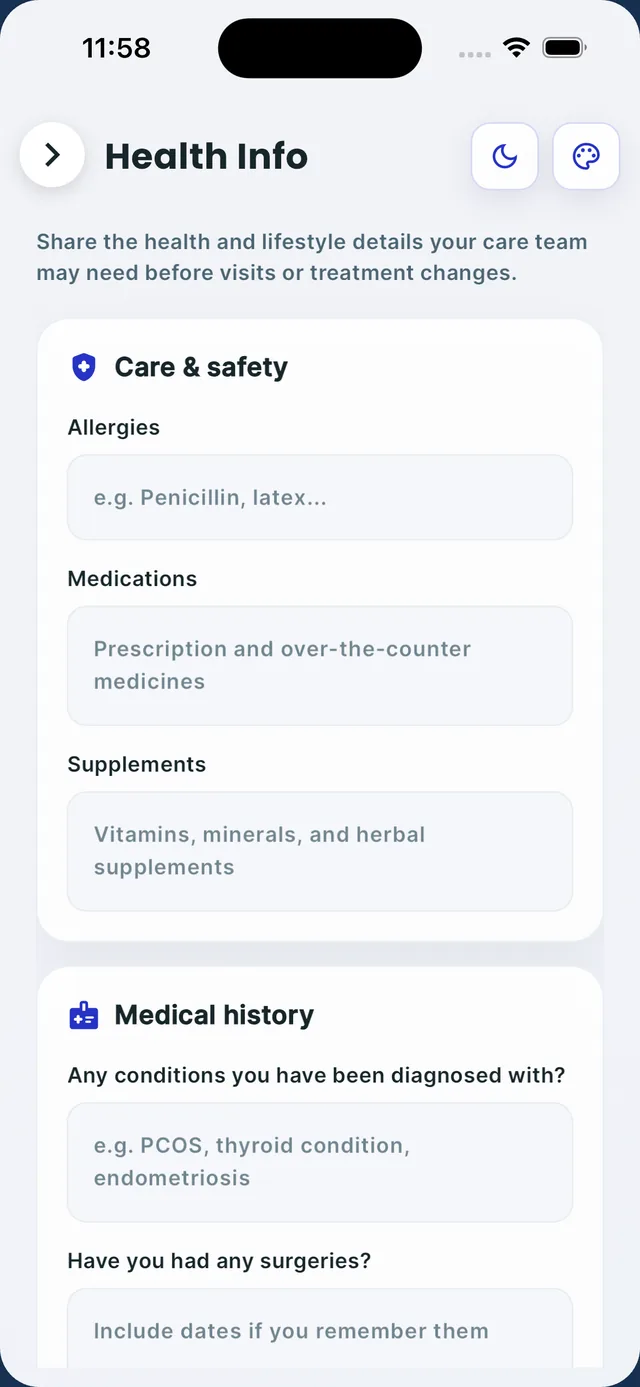
Signed forms, menses logs, food diaries and health information, all with the patient's profile.

On-site AI

Summaries written on your own computer.

Before a call or a visit, the team can open a short summary of a patient's recent activity and messages. An AI model on the clinician's own computer writes it, so patient messages are never sent to an outside AI service.

Runs on your computer

It uses a model installed on the clinician's computer, through Ollama.

Keeps to what was said

It organizes what the patient and the clinic said without rewriting it, and each point links back to its message.

Works without a model

If no model is installed, the activity is listed instead, so the summary button always works.

Nothing is saved

Summaries aren't stored anywhere. The clinician decides what goes into the chart.

Privacy

Patient information stays where it belongs.

Fertility treatment is personal. The app is built so each person sees only what they should.

One clinic per patient

Each patient is tied to one clinic, and no other clinic can see them.

Codes that work once

The QR code that connects a phone works a single time, then expires.

Patients choose what to send

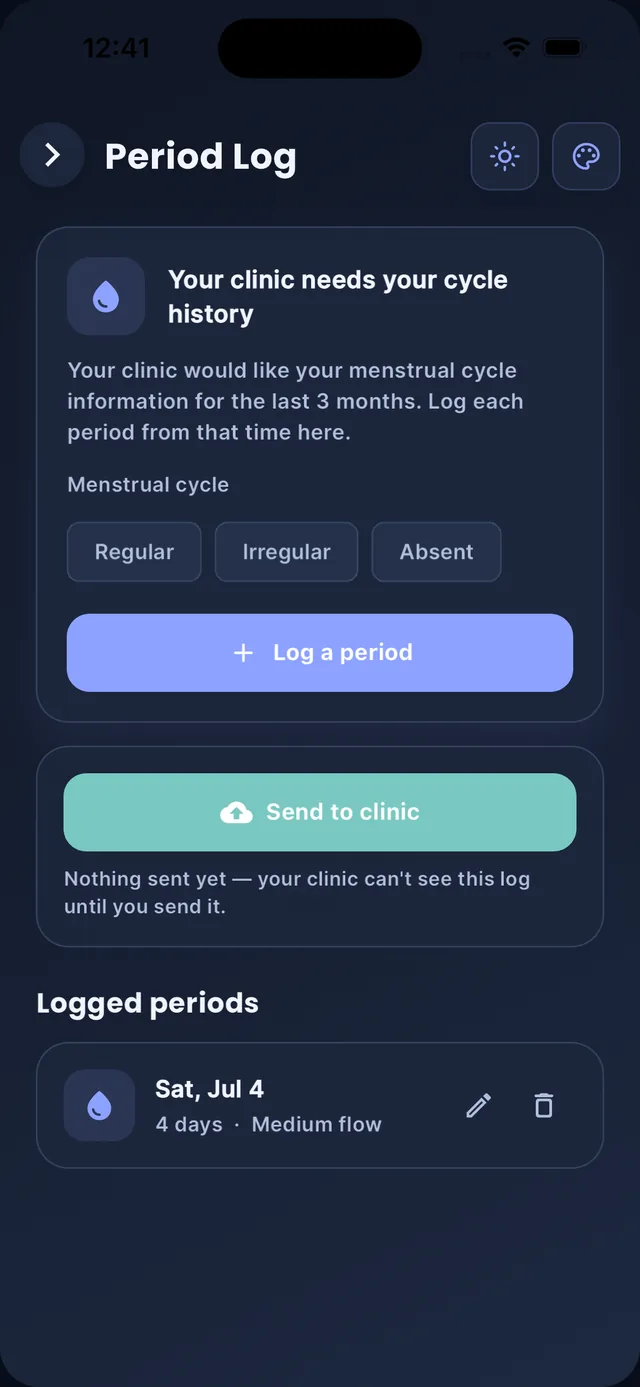
The menses log reaches the clinic only when the patient taps Send.

A journal just for them

Journal notes stay on the phone. They're never sent to the clinic.

Every view is logged

The clinic's activity log shows who opened a patient's record, and when.

Delete my data

Patients can ask for their data to be deleted, right from the app.

Planned

Better together. Cycle Care EMR, our new medical record, is being designed to connect with the app.

How they will connect
For clinics

Bring Cycle Care to your patients.

Book a walkthrough and we'll show you the patient app, the clinic dashboard and how a patient gets connected.

Copied